Online Screen Recorder
Free screen recorder for video and audio capture without installation or signup required – 100% Secure
Desktop Screen Recorder
Record Video Online and For Free
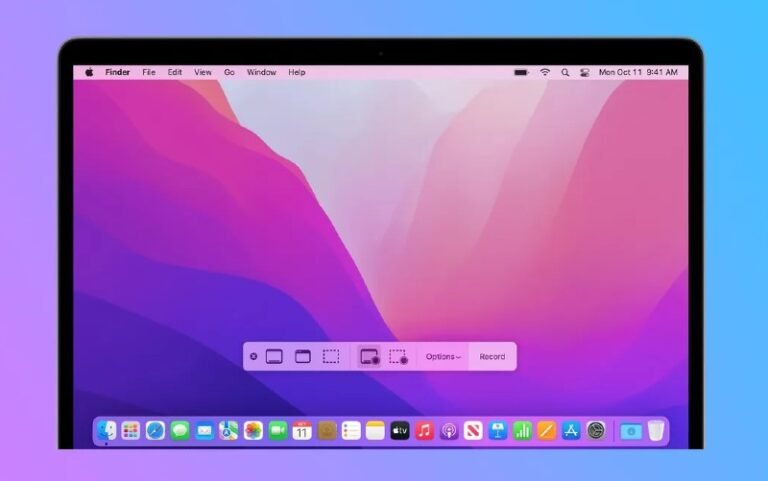
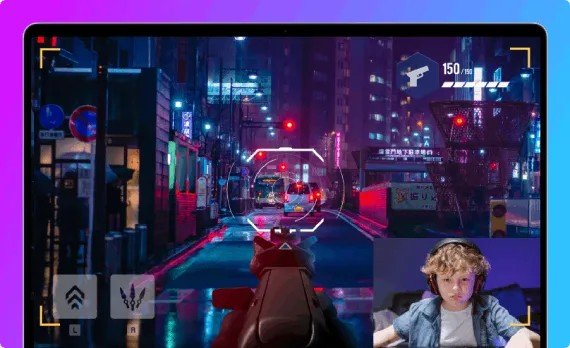
Experience seamless screen recording with our online screen recorder, designed to capture every detail with precision. Whether you’re creating tutorials, recording webinars, or streaming gameplay, our tool offers a user-friendly interface that simplifies the recording process. With features like HD recording, audio capture, and easy sharing, our online screen recorder is the go-to solution for all your screen capturing needs.
How to Record Screen Online
01.
Launch Recorder
Step 1: Launch Online Screen Recorder in your browser without installation or login required.
02.
Set Up
Step 2: Choose screen area and enable audio for clear recording.
03.
Record Video
Step 3: Start recording, then stop and download video instantly.
Powerful Facebook Recording Features
Full Screen Capture
Record entire Facebook screen with smooth video playback and clear high quality output anytime.
Audio Capture
Record system sound and microphone audio together for complete Facebook video recording clarity.
Real-Time Control
Pause resume or stop recording anytime for better flexibility and precise recording management.
Tab Recording Mode
Capture only Facebook tab to avoid distractions and ensure clean focused video recording experience.
HD Video Output
Export recordings in high definition quality for sharp visuals and smooth playback performance.
Instant Download
Preview and download recorded Facebook videos instantly with fast and simple one click process.
Online Recorder for Screen and Audio
Free Facebook Video Recorder
FAQ
Frequently Asked Questions
No, our online screen recorder is completely web-based, meaning you can use it directly from your browser without any downloads.
Our screen recorder is compatible with a wide range of devices and operating systems, including Windows, macOS, Linux, Android, and iOS.
Yes, our screen recorder allows you to record both system audio and microphone audio, making it perfect for creating tutorials, webinars, and more.
Our online screen recorder offers flexible recording lengths, allowing you to capture as much or as little as you need without time restrictions.
After recording, you can share your videos directly from the screen recorder via email, social media, or save them to the cloud for easy sharing.
Popular Articles

How to Record Audio on Mac: Your Complete Guide
Curious about how to capture audio on your Mac? Whether you’re looking to record voice memos, podcasts, or internal system sounds, your Mac has…

How to Record Flash Videos on PC and Mobile
Are you trying to figure out how to capture a Flash video from your favorite website? Whether it’s a tutorial, a live stream, or…